Our Services
Online Trading
Trade any Time, Any Where..
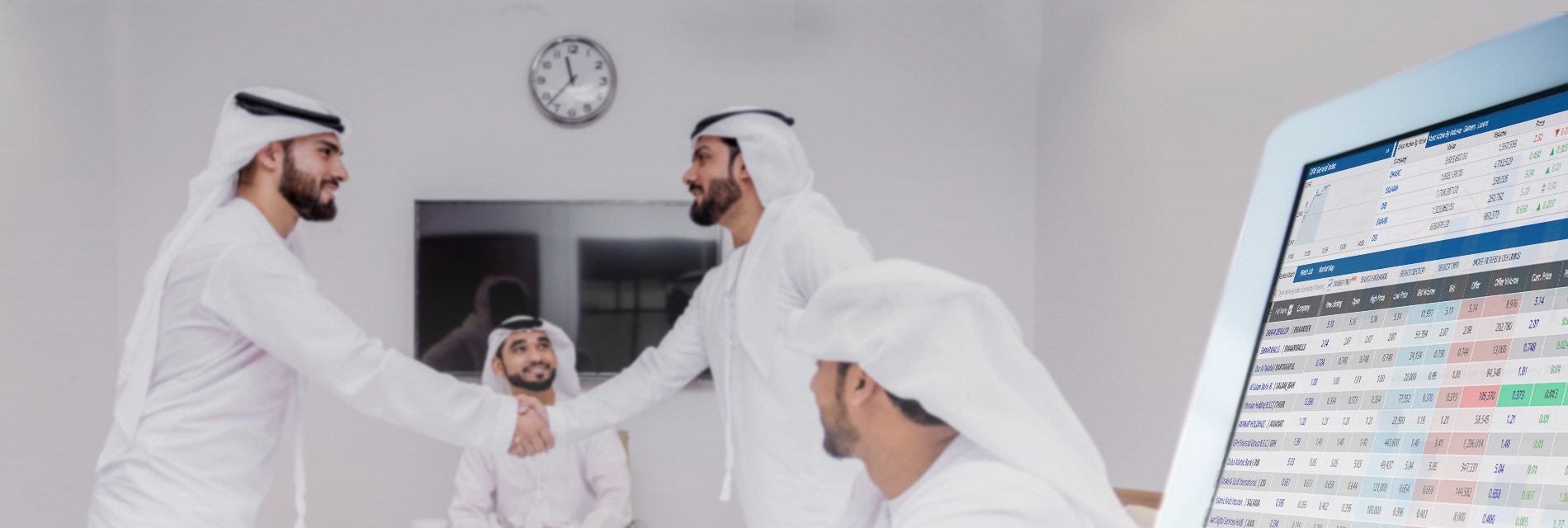
Start TradingIn a nut shell our services comprise buying and selling of equity shares in the Dubai Financial Market (DFM) and Abu Dhabi Securities Market (ADX) in a Islamic Sharia compliant framework, with the added facility of fully secured electronic trading service, anytime anywhere.
We Also Take Care Of:
New Investors
Issuing new Investor Number NIN from ADX and DFM.
Custodian Transfer
Transfer of shares from other brokers or from financial markets to our customer accounts.
Market Transfer
Transfer of shares from financial markets to our customer accounts.
Smooth Cash Transfers
Smooth transfers of any cash generated from sell or buy transactions to and/or from our client's SIB bank accounts.
Update accounts
Update trading account in markets and in SIFS.
Frequently Asked Questions (FAQ)
The SIFS Application is a secure digital trading platform that allows users to monitor market performance, execute trades, and manage their portfolios in real time.
You can download the SIFS Application from your device’s App Store or Google Play Store by searching SIFS Trading.
You can create an account by contacting us via phone at 065992555 or by emailing sifs-services@sifs.ae.
To log in, you must first request your online User name and password by contacting SIFS using your registered phone number or email address. Once you receive your credentials: Enter User ID and password > Enter the One-Time Password (OTP) sent to your registered mobile number.
Check your mobile network connection and ensure your registered mobile number is correct and click resend OTP.
Yes, after your first login, you can enable biometric authentication such as Face ID or fingerprint recognition for future access. Or, Click on the More Menu icon ☰ located in the top-right corner of the Home Page > Settings > Enable login with Biometric/PIN.
Yes, you can update your login preferences anytime Click on the More Menu icon ☰ located in the top-right corner of the Home Page > Settings > Enable login with Biometric/PIN.
On the login screen tap on Reset Password, enter your username, verify the OTP sent to your registered mobile number, then create a new password.
Your password must be at least 8 characters and should be include at least one letter, one number, and one special character. (@!#$*~)
The Market Status indicator appears as a colored dot at the top of the home page.
It shows the current state of the market:
- Green: Market is open
- Red: Market is closed
- Orange: Pre-open or pre-close session
From the Home Page, select ‘Overview’ to view detailed market indices and trades. You can swipe between ADX and DFM to view data for each.
You can view the top five from the home page as Green indicates Top Gainers, Red indicates Top Losers, and Blue indicates Top Turnover. Or Tap 'Top Stocks' from the Home page to view the full list of Top Gainers, Top Losers, and Top Turnover stocks.
Green indicates Top Gainers, Red indicates Top Losers, and Blue indicates Top Turnover.
Select 'News' from the Home Page to read the latest market updates and announcements. Currently, only DFM news is available within the SIFS application.
From the Home page Tap 'Market Trades' to see real-time market activity, including trade time, price, and volume.
From the Home Page Select 'Watchlist', tap the pen icon, name your list, and click 'Save.'
Select your watchlist from the list then Tap the '+' icon, search for the stock, and select it to add it to your watchlist.
Swipe left on the stock and tap 'Delete.'
Swipe right on a stock in your watchlist and tap 'Trade' to initiate an order.
From the bottom navigation of the Home Page:
Click on ‘Trade’ > tap Symbol field to enter and search for the stock name > Choose
your account > Select Buy or Sell > Enter the quantity and price > Tap ‘Trade’ to
review your order > Click ‘Submit’ to place it.
You can also place trades by calling SIFS brokers directly:
| +97165992621 | +97165992622 | +97165992623 | +97165992624 | +97165992625 |
Once you submit an order, it is sent to the market for processing. And you can view all the orders placed during the day from the 'Order List' page. along with all previous active orders.
It displays all orders placed during the day, including their current status and details.
Open the 'Order List' page, tap on the Active order you want to modify or cancel.
You can only cancel or modify orders that are still in Active status. If the order has already been executed and appears in the Trade List page, it can’t be changed.
Swipe to view the 'Trade List' under 'Today’s Trades' to see executed orders.
It represents all orders that have been fully executed during the current trading day.
From the More Menu icon ☰ located in the top-right corner of the Home Page > Select 'Historical Orders' to review your full orders.
Tap 'Accounts' from the bottom navigation bar to view your balances, and other financial details.
Tap the account name at the top of the screen and select another account from the list.
Select 'Portfolio' from the bottom bar of the home page to view your owned shares and holding positions.
You can view your account details by clicking on the More Menu icon ☰ located in the top-right corner of the Home Page > Select 'Account Information'
Yes. Click the More Menu icon ☰ located in the top-right corner of the Home Page > select 'My Alerts' > tap '+Add' > fill in details > click 'Set Alert'
Once the condition is met, you’ll receive a notification under 'Announcements'.
Yes, the application uses encryption and multi-factor authentication to ensure data security.
You can place orders, but they’ll be executed when the market opens.
Please contact us by calling 065992555 or emailing sifs-services@sifs.ae or you may visit the SIFS office in person to request updates to your account information
Click on the More Menu icon ☰ located in the top-right corner of the Home Page >Tap 'Logout' > Choose ‘Yes’ to securely exit the app.
Yes, you can create and manage multiple watchlists to monitor different sets of stocks.
Go to 'More Menu' > 'Account Information' > ‘Account Statements’ to generate Statements of Account report.
No, there is no minimum deposit required to begin trading.
Yes, you can access live and historical charts from the 'Stock Chart' section on the Stock details.
Please contact us by calling 065992555 or emailing sifs-services@sifs.ae Our team is ready to assist with any questions or concerns you may have.
Yes, standard brokerage fees and transaction charges apply. You can view the full fee structure at www.sifs.ae
Funds can be deposited via bank transfer to the IBAN provided in your welcome email after completing onboarding at the SIFS office.
To withdraw funds, please call the SIFS support team on 065992555 and request a transfer to your registered IBAN. Make sure your account details are up to date to avoid any delays.
CONTACT US
How can we help?